
Appearance
Changing the sort order of your listings
You can change the order in which your property listings appear by using the drag-and-drop sorting feature in the admin console. The order you set here will determine how listings appear on your public-facing website.
How to reorder listings
- In the Residenda admin console, navigate to the Properties page.
- In the top left corner of the table, click the icon with two arrows pointing up and down.
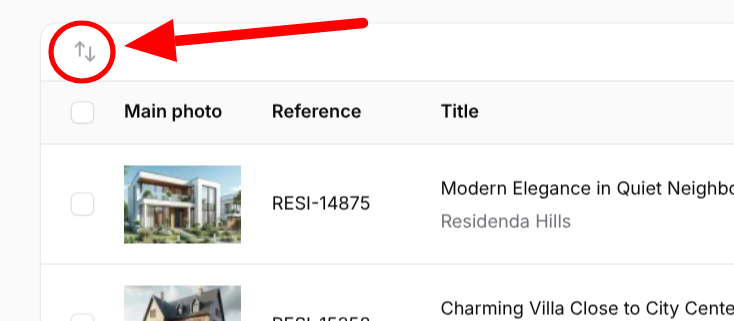
- Once you click this icon, dragging icons (two horizontal lines) will appear in front of each row.
- Click, hold, and drag these icons (or anywhere else in the row) to change the order of your listings.
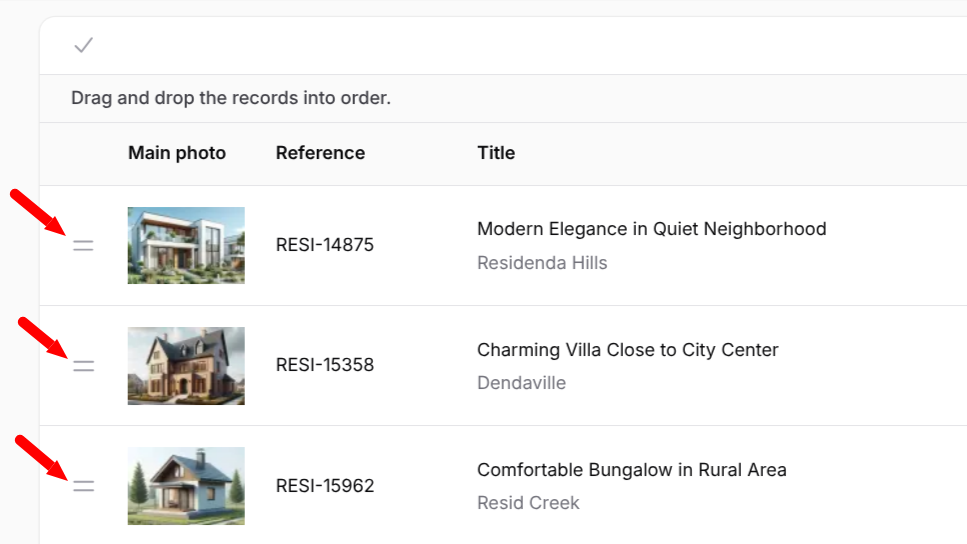
- To go back to normal editing mode, click again on the v icon in the top left corner, which has replaced the original icon from step 2.
How sorting affects your website
The order in which you arrange your listings in the admin console is the same order in which they will appear on your public-facing website. If you've enabled the option for visitors to choose their own sort order, the order you've set here will correspond to the Newest-Oldest sort option.